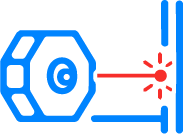
Place it
Install TriggerPoint at a doorway,
boundary, or pointing at any object.
The laser monitors that exact physical
point.
TriggerPoint
A physical laser trigger for your computer and
smart space.
No cameras. No guessing. Just cause → effect.
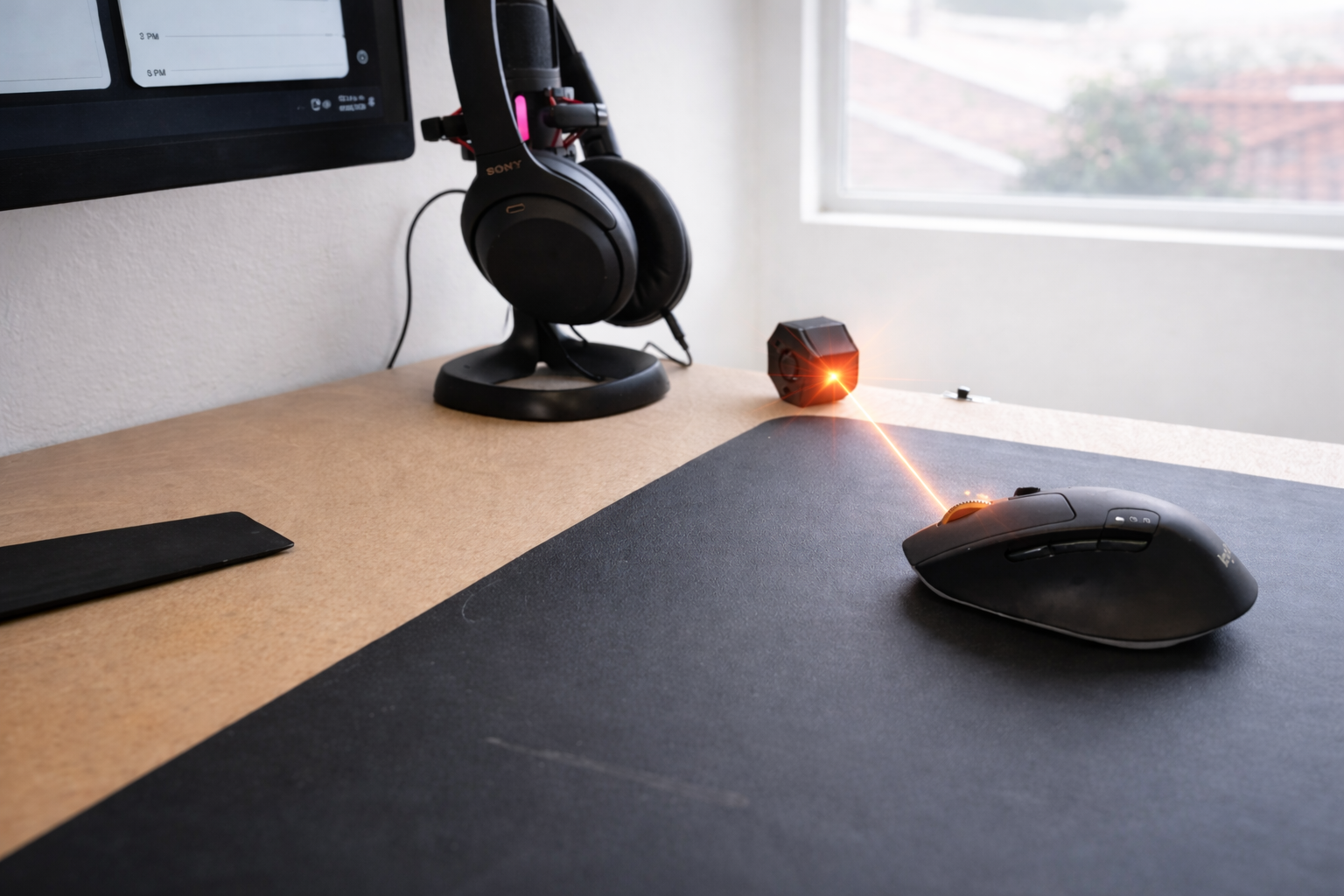
TriggerPoint reacts only when
a precise physical condition
you define changes.
It’s not a motion sensor.
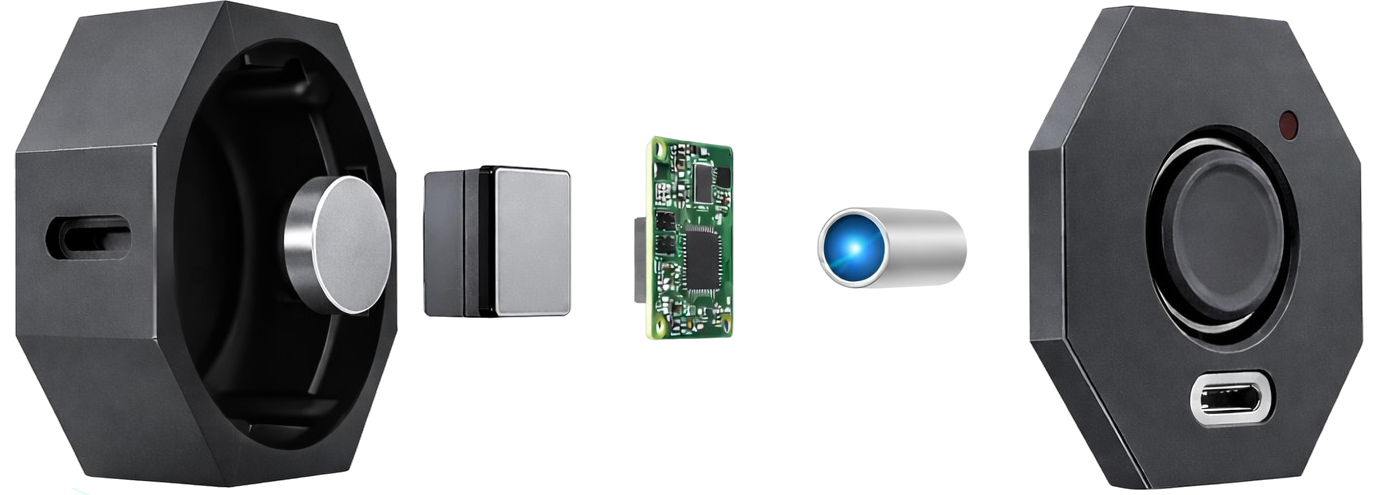
3 steps. Zero complexity.
Install TriggerPoint at a doorway,
boundary, or pointing at any object.
The laser monitors that exact physical
point.
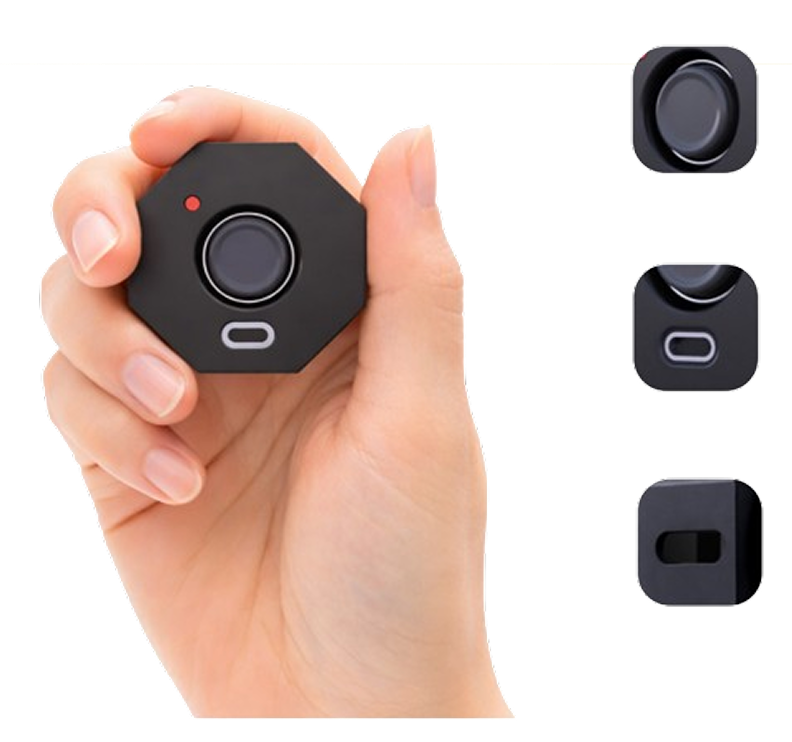
Hold the button for a few seconds,
release it, and TriggerPoint locks the
distance.
From that moment on, any change
becomes a trigger.
The moment the laser is interrupted —
or the distance changes —
TriggerPoint reacts instantly,
triggering your action.
TriggerPoint adapts to what you want to
control: your computer or your smart space.
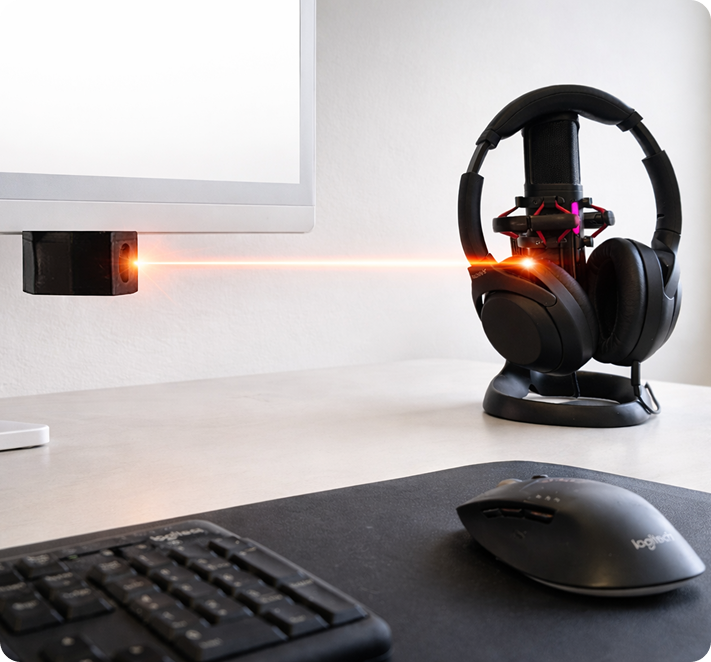
Mode 1
Control your workflow with
physical triggers.
Instant shortcuts — like a wireless keyboard
triggered by a laser.
Mode 2
Automate your space with real-
world actions.
Use the laser as a physical “this happens → do
that” trigger.
TriggerPoint removes ambiguity and replaces it with a clear physical rule.
Built for privacy, creators, smart spaces, and interactive installations.
TriggerPoint does not record, stream, or watch you. It monitors a single physical point.
Trigger actions the moment the condition changes — no mouse, no keyboard, no delay.
Set the trigger exactly where it matters: a doorway, a boundary, or an object on a stand. Does not activate with background movement.
Acts like a virtual keyboard to trigger shortcuts, switch desktops, or lock your screen.
Trigger scenes and automations in connected ecosystems like Google Home, Alexa, SmartThings.
Perfect for studios, events, interactive installs, and DIY projects that need precision.
Real physical interactions. Real automations.
Three examples that
show how a physical change can instantly trigger a meaningful action.
Place it in a museum exhibit,
and show visitor information when they
grab an
object that TriggerPoint
is aiming.
Place it along a hallway near your
desk. When someone crosses
that point, your computer
instantly switches windows,
hides sensitive info, or locks the
screen — without touching your
mouse or keyboard.
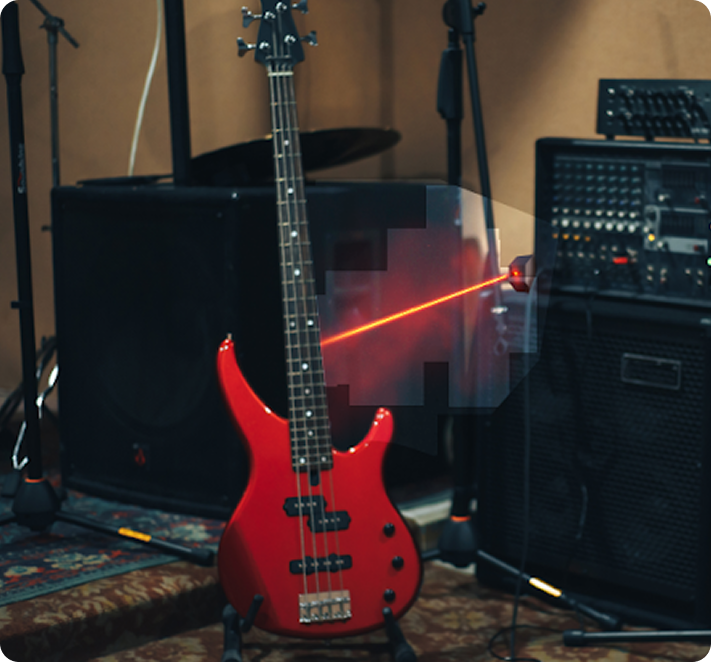
Aim it at your guitar on its stand.
When the guitar is removed, the room shifts into
“music mode”:
lights change,
speakers turn on,
scenes activate — and revert when
the guitar returns.
Got questions? We’ve got answers. If you have more, send
us an email to triggerpoint@sosadiaz.com
Join early access and help shape how
TriggerPoint evolves.
Get notified at launch and receive early-
backer perks. If you’re building a studio,
smart space, or interactive experience, this
is for you.